Here is an article explaining how to change your server name in the control panel.
Change Server Name (Control Panel)
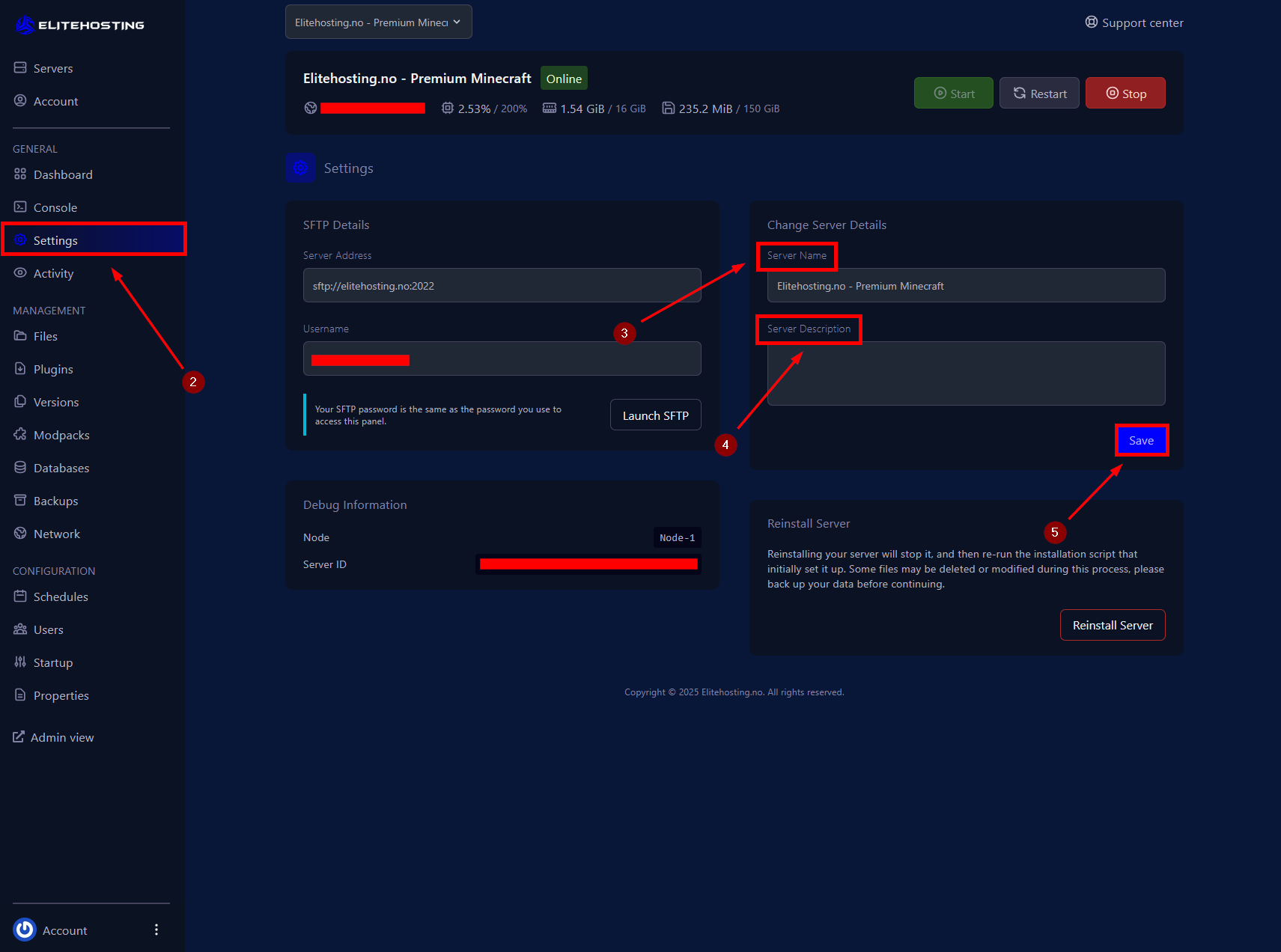
1. Go to your server. Control Panel
2. Navigate to the Settings menu.
3. Enter your desired server name.
4. Add a description (optional).
5. Click Save to apply the changes.
If you need further assistance, please contact us here: https://elitehosting.no/submitticket.php