
To connect to your Astroneer server, you need to make some changes to the Engine.ini file on your PC. Follow the instructions below to learn how to connect to your Astroneer server.
How to Connect to the Server
1. Locate the Engine.ini file on your PC (%LocalAppData%\Astro\Saved\Config\WindowsNoEditor\Engine.ini).
2. Add the following at the bottom of the file:
[SystemSettings]
net.AllowEncryption=False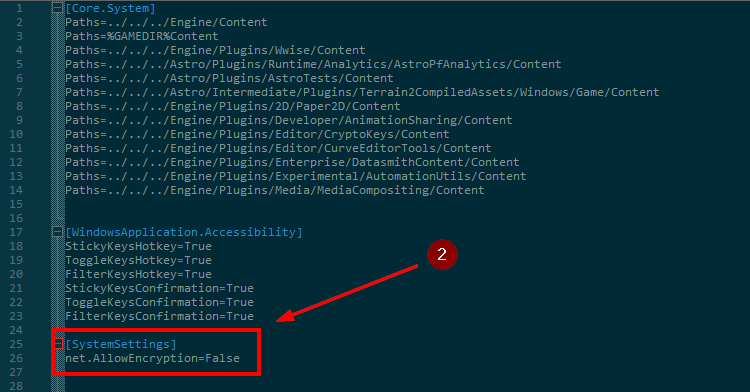
3. Start Astroneer.
4. Go to the Server List menu.
5. Add the IP address and Port.
6. Click on Join Game.
If you need more help, please contact us here: https://elitehosting.no/submitticket.php